Explaindio Review 2026: Whiteboard Videos That Sell More
Editor & Lead Reviewer, ToolsProZone
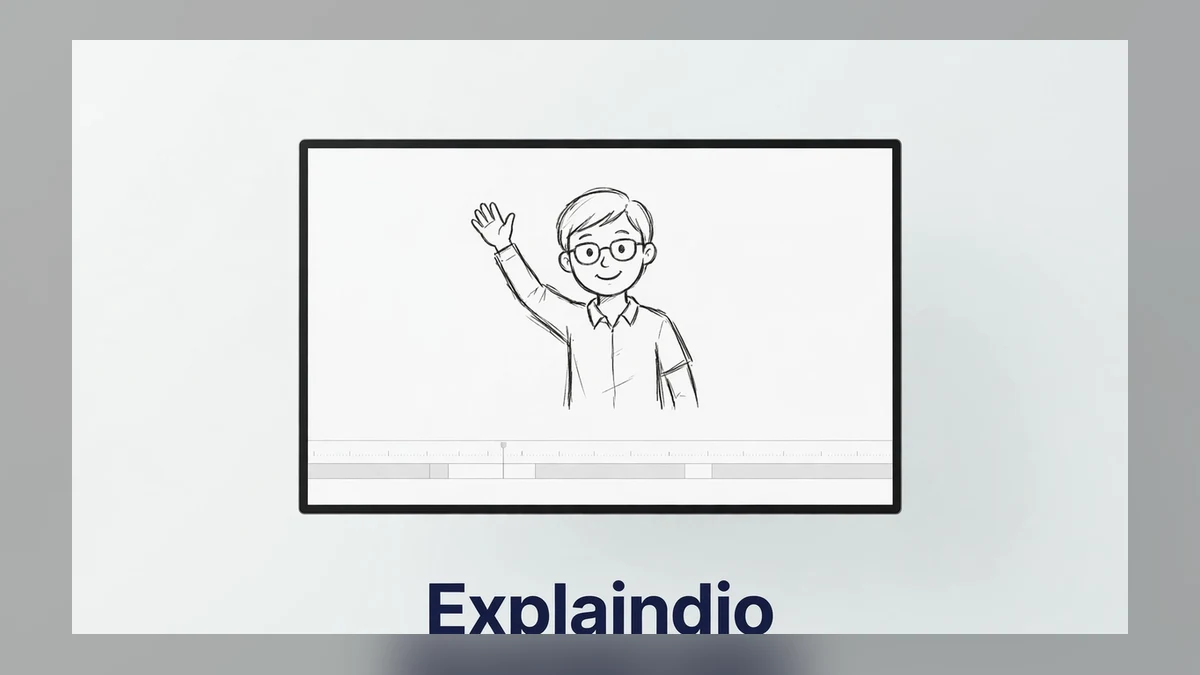
Explaindio has been around since 2014. That is a long run for video software. Most tools in this space come and go in a year. This one kept selling, and in October 2026 it changed shape.
The new version is Explaindio 5 AI. It adds a prospecting tool to the old whiteboard maker. It finds local businesses that lack a video. Then it makes a sample clip you can pitch to them.
Disclosure: This review contains affiliate links. We may earn a commission if you buy through our links, at no extra cost to you.
How we reviewed it: We did not run the app. Our facts come from named public sources. We used the vendor sales page, TikaReview, TechProResearch, Trustpilot and SoftwareSuggest. We checked prices on 28 November 2026. Where sources disagreed, we say so in the text.
Explaindio 5 AI is a video maker by Andrew Darius. It finds local businesses without a video, then builds whiteboard sample clips to pitch them. The front end costs $27 one-time at launch, rising to $47, with a 30-day guarantee. It suits freelancers who sell video services. It is not a full AI video generator.
What It Is
Explaindio is desktop video software by Andrew Darius. The classic app built whiteboard sketch videos, animated explainers and motion videos. It also edited live-action clips. That core is still there in version 5.
Version 5 AI, launched on 20 October 2026, adds a new layer. It searches a town for businesses in a niche, such as dentists or plumbers. It checks which ones have no video on their site. Then it builds a short sample video for each one. The idea is simple. You show a business its own sample, then sell it the finished video.
Most older reviews miss this shift. They describe the classic app only. They say nothing about credits, prospecting or the new funnel. This review covers the current version. It also flags what we could not verify.
If you want pure AI cartoon generation instead, read our ViralToon AI review. Explaindio is the better pick when you want to sell video services to local firms.
Key Features
- Local business finder: Search any town and niche, then see which businesses lack a video. The vendor page shows a test search in Austin. It found 42 dentists with no video on their website.
- Sample video builder: The tool picks a topic, script, voice and music for each business. It then renders a short sample clip you can share.
- Whiteboard animation: Hand-drawn sketch videos remain the signature style. You can use your own images or the built-in library.
- 2D animation and motion video: Animated characters, scenes and text effects cover the classic explainer format.
- Live-action editor: Import real footage, trim it, add transitions and mix it with animated scenes.
- 2,200+ templates: Ready-made scenes and layouts speed up new projects. The count comes from the vendor page.
- 800 credits: The front end includes 800 credits, said to cover about 60 sample videos. Credits are the real budget to watch.
- Five outreach blueprints: Step-by-step plans for contacting businesses and closing video jobs. These are guides, not done-for-you outreach.
- Commercial licence: The front end includes a licence to sell videos to clients. Check the checkout page for its exact terms.
- Six languages, four US English voices: The front-end voice set is small. More voices sit behind the Pro upgrade, per independent reviews.
How It Works
The workflow has five steps. None of them needs editing skill to start. The sales page walks through them in order.
- Pick a niche and a town: Choose a trade, such as dentists, and a place, such as Austin.
- Scan for gaps: The finder lists businesses in that niche and flags the ones with no video.
- Pick a business: Choose a prospect from the list and open its details.
- Build the sample: The tool picks the topic, script, voice and music. It renders a short whiteboard sample for that business.
- Share and pitch: Send the sample to the business, then offer the full video as a paid job. You edit the final version in the desktop app.
The pitch is the product here. The software does the finding and the sample. You still do the selling. Anyone who hates outreach will find that part hard.
Pricing
We checked pricing on 28 November 2026. The vendor sales page and two independent reviews agree on the shape of the funnel. They do not all agree on every price. The notes below mark each figure as verified or reported.
Front end — Explaindio 5 AI: $27 one-time at launch, rising to $47. The vendor page states the price is one-time, with no monthly fee, and that it increases up to $47. It also says the checkout page shows the exact price. One review lists $37 in another place, so the live price may already sit above $27. Treat $27 as the launch price, not a fixed price.
The front end includes the desktop app, the business finder, 800 credits, 2,200+ templates and the commercial licence. The vendor page lists all of these as included.
Money-back guarantee: 30 days. This is stated on the vendor sales page. It covers the front-end purchase. Refund terms for upgrades are not stated there, so we mark them as unverified.
Upgrades appear after checkout. All of the prices below come from independent reviews, not from the vendor page. We could not verify them at the checkout, so treat them as reported:
- Order bump — Niche Campaign Pack: $17 (reported). Extra niche campaigns for the finder.
- OTO 1 — Pro: $67 one-time, with a $47 downsell (reported). Adds longer videos, up to 5 minutes, and more voices. One review also lists a Pro Monthly option at $37 per month. The other review does not list it, so we mark that option as unverified.
- OTO 2 — Fix-It Pack: $47 (reported). Extra tools for fixing and polishing videos.
- OTO 3 — Agency: $297 per year, with an Agency Lite option at $67 (reported). Agency features for selling to more clients.
- OTO 4 — Done-For-You Leads: $47 per month (reported). A subscription for ready-made leads.
- Bundle: $197 per year, rising to $297 per year (reported). This is an annual subscription, not a lifetime deal. That matters, because some reviews present it as a one-off cost.
Our advice is plain. Buy the front end only at first. Test the finder and the credits. Add Pro only if the 90-second cap and the four voices hold you back. Skip the monthly leads until you have closed a paying client.
One-time payment from $27 — 30-day money-back guarantee, verified on the vendor sales page on 28 November 2026.
Pros and Cons
Pros
- A real business model, not just a tool: Finding prospects and pitching samples is a clear way to earn. Most video apps leave that part to you.
- Low entry price: A one-time $27 launch price is cheap for a desktop video app with a commercial licence.
- Three video styles in one app: Whiteboard, 2D animation and live-action editing cover most client jobs.
- Big template library: More than 2,200 templates mean you rarely start from a blank screen.
- Long track record: Explaindio has sold since 2014. That history counts for more than a new launch page.
Cons
- Credits run out: 800 credits cover about 60 sample videos. Heavy prospecting will need more credits, and the cost of those is not clear from the vendor page.
- Short videos at the front end: Reviews report a 90-second cap before the Pro upgrade. That is short for some client jobs.
- Desktop only: The vendor page sells a desktop app. There is no web version to open on a borrowed machine.
- A long upsell funnel: Four upgrades plus a bundle and a monthly leads plan follow the front end. The total cost climbs fast if you accept them all.
- Mixed user ratings: Trustpilot shows 2.3 out of 5 from only six reviews, and SoftwareSuggest shows 3.2 out of 5. Both samples are small, and most complaints concern support and refunds. We could not verify those claims ourselves.
Who It’s For
- Freelancers who want to sell short videos to local businesses.
- Agencies that need a fast way to pitch new clients with samples.
- Marketers who already make whiteboard or explainer videos for clients.
- Beginners who want a low-cost start and a clear outreach plan.
Who It’s Not For
- Anyone who wants a full AI video generator that writes, voices and edits long videos by itself.
- Users who need a web or mobile app instead of desktop software.
- People who will not do outreach. The finder is useless if you never contact anyone.
- Buyers who want unlimited video length and voices without paying for Pro.
Our Verdict
Explaindio 5 AI earns its place as a prospecting tool. The finder plus sample videos is a smart idea. It turns a video app into a way to win clients. The $27 launch price and the 30-day guarantee make it a low-risk test.
We mark it down for the credit cap, the reported 90-second limit and the long funnel. The mixed user ratings also give us pause, even with small samples. Go in with your eyes open. Buy the front end, test it with real prospects, and judge it on replies, not on the sales page.
Our verdict: 7.5 out of 10.
Frequently Asked Questions
What is Explaindio?
Explaindio is desktop video software by Andrew Darius. It makes whiteboard sketch videos, animated explainers and live-action edits. Version 5 AI adds a local-business finder and a sample video builder for pitching clients.
How much does Explaindio cost?
The front end costs $27 one-time at launch, rising to $47. The vendor page says the checkout page shows the exact live price. Upgrades start at $17 and run to $297 per year for Agency, per independent reviews.
Is Explaindio a one-time payment or a subscription?
The front end is a one-time payment with no monthly fee. That is stated on the vendor sales page. Some upgrades are subscriptions, such as the $47 per month leads plan and the $197 per year bundle. Check each offer before you accept it.
Does Explaindio have a money-back guarantee?
Yes. The vendor sales page states a 30-day money-back guarantee for the front end. Refund terms for upgrades are not stated there. Keep your receipt and test the app inside the 30 days.
Can I use Explaindio videos for client work?
Yes. The front end includes a commercial licence, per the vendor page. That licence is the point of the tool. You make samples, pitch them, and sell finished videos to local businesses. Check the checkout page for the exact licence terms.
Conclusion
Explaindio 5 AI is a solid buy for freelancers who will actually pitch local businesses. The price is low, the guarantee is real, and the sample-video idea is sound. The credits and the short front-end videos are the limits to plan around.
If that fits your plan, start with the front end only. Test it on ten real prospects before you buy any upgrade. Browse more tools in our full tools directory if you want to compare it first.

Similar Posts