Zapier AI vs Make.com: Which Automation Tool Wins?
Editor & Lead Reviewer, ToolsProZone
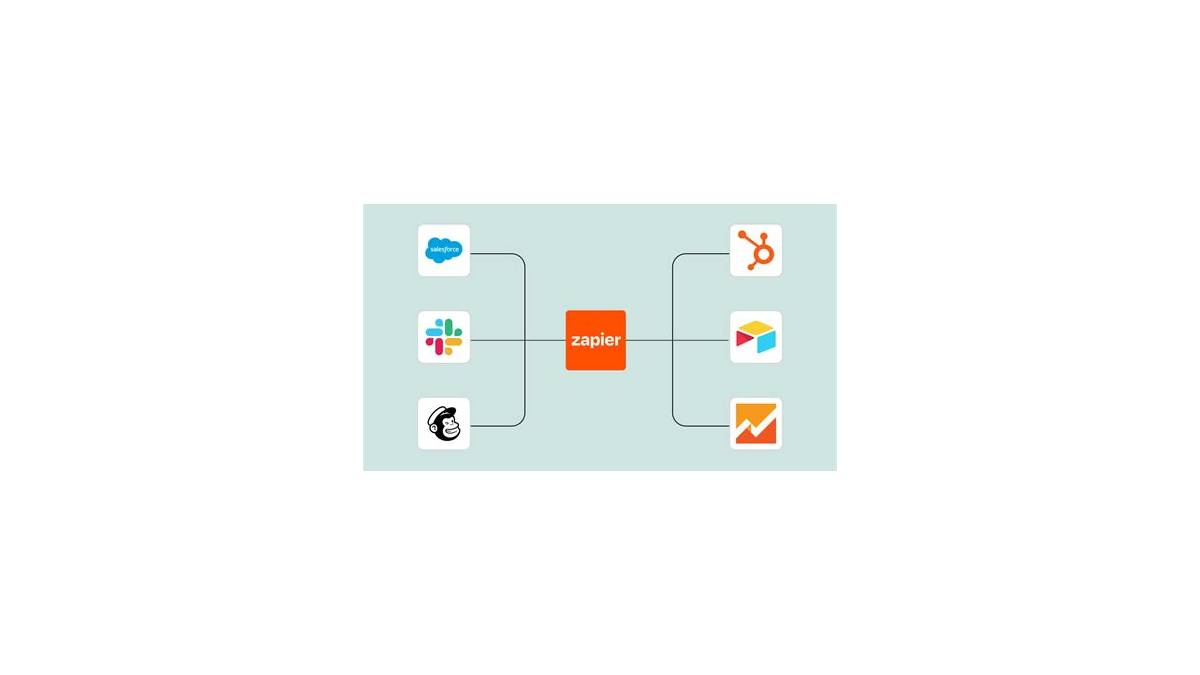
Zapier is the better pick for beginners and quick setups, with 8,000+ apps and Copilot building Zaps from plain words. Make is the better pick for complex workflows, loops and JSON, usually at a lower cost per run. Pick Zapier for speed, Make for control, and test your hardest workflow on both free plans first.
We may earn a commission if you buy through our links, at no extra cost to you.
If you're stuck on zapier ai or make.com which is better, here's the short version. Zapier is faster to learn. Make is usually cheaper for complex workflows.
Both now ship AI agents, so the old feature gap has narrowed.
Our research points to billing as the real divide. Zapier counts tasks, and Make counts operations, so one workflow can cost very different amounts on each. Vendor sites list 8,000+ apps for Zapier and about 3,000 for Make as of 2026.
Here's the quick answer, then the detail.
Zapier Ai or Make.com Which Is Better
Zapier AI or Make.com which is better depends on your workflow. Zapier suits beginners and quick, linear automations. Make suits complex logic and heavy data processing.
Make often costs less per complex workflow. Zapier saves setup time and offers more apps.
Why the Zapier vs. Make Choice Matters More Than It Looks
Automations are sticky. Once 30 or 40 workflows run your lead intake and invoicing, moving them isn't a copy and paste job. Zaps and Scenarios aren't portable.
You re-authenticate every app, rebuild the logic, and retest each path.
That's why the first pick matters. Use these if/then rules:
- If you've never built an automation, then start with Zapier.
- If your workflows loop through rows, lists, or JSON, then lean toward Make.
- If data residency rules apply to you, then compare each vendor's hosting and data processing terms first.
- If your automations feed a CRM, then settle the CRM first. It helps to weigh your CRM choice before you build anything.
Budget matters too. Every AI step adds tasks or operations, plus the model provider's own fees.
How Zapier and Make Each Work (and What Their AI Features Actually Do)
Zapier: Zaps, Agents, Copilot, and the AI Step
A Zap is Zapier's workflow unit: one trigger followed by one or more actions. You build it in a linear, step-by-step editor.
Zapier's AI layer has three parts:
- Copilot builds a Zap from a plain-English prompt.
- AI by Zapier drops a model call into any Zap.
- Zapier Agents work toward a goal across your apps with less hand-holding.
Make: Scenarios, the Visual Canvas, and AI Agents
A Scenario is Make's workflow unit. Modules sit on a visual canvas, and lines show how data flows between them.
Three tools do most of the heavy lifting. A Router splits paths. An Iterator breaks an array into single items.
An Aggregator packs items back together.
Make AI Agents build on that canvas. Native modules also connect OpenAI, Anthropic Claude, and Google Gemini. Both platforms let you bring your own API keys.
Good AI steps depend on tight prompts, so a stocked prompt library saves rework.
Tasks vs. Operations: How Each Platform Really Bills You
A task is Zapier's billing unit. Each successful action step counts as one. Triggers don't count, and built-in tools like Filter, Paths, and Formatter generally don't either.
An operation is Make's billing unit. Each module run counts as one, including the trigger. Make has also been moving toward credits on newer plans, so check how your plan counts.
Here's what that looks like in practice:
| Workflow | Zapier | Make |
|---|---|---|
| One 5-step run (1 trigger + 4 actions) | 4 tasks | 5 operations |
| 1,000 runs per month | about 4,000 tasks | about 5,000 operations |
| 100-row loop, 1 action per row | about 100 tasks | 100+ operations, fewer if you aggregate first |
Make's units generally cost less each, which is where its price edge comes from. AI adds a second bill. OpenAI, Anthropic, and Google charge for model tokens unless your plan bundles AI usage.
Always confirm limits on Zapier and Make, because plans change often.
Zapier vs. Make Side by Side
Picture Zapier as a checklist and Make as a flowchart. That one image explains most of the differences below.
| Factor | Zapier | Make |
|---|---|---|
| Ease of use | Easiest start | Steeper learning curve |
| App count | 8,000+ | About 3,000, plus HTTP module |
| Branching | Paths | Router, with deeper control |
| Error handling | Autoreplay, Zap History | Ignore, Resume, Rollback, Commit, Break |
| Data handling | Basic, with Formatter and code steps | Strong array and JSON handling |
| AI | Copilot, Agents, AI by Zapier | AI Agents, native model modules |
| Polling speed | 15 minutes on Free, 1 to 2 minutes on paid | 15 minutes on Free, 1 minute on paid |
| Pricing model | Per task | Per operation or credit |
Verify polling intervals on each vendor's pricing page. They shift by plan.
Pick Zapier if speed and app coverage matter most. Pick Make if you want granular control and lower costs at volume. Some teams skip both and use an all-in-one platform with native workflows, so it's worth scanning all-in-one CRM options first.
Where Each One Falls Short
Zapier's Weak Spots
- Cost climbs fast. A 10-step Zap has 9 action steps. Run it 2,000 times a month and that's roughly 18,000 tasks.
- Complex logic gets clumsy. Paths work, but deep branching and list handling feel bolted on.
- Polling can lag. Lower plans may wait up to 15 minutes between checks.
Make's Weak Spots
- The learning curve is real. Iterators, aggregators, and data types trip up most beginners.
- Fewer native apps. The HTTP module fills gaps, but you'll need to read the app's API docs.
- Long scenarios are hard to debug. Tracing one bad bundle through 25 modules takes patience.
Mistakes That Hit Both Platforms
- Quota creep. Put filters first so junk data stops before it uses a task or operation.
- Silent failures. Set up error alerts. Retries can also create duplicate records.
- Unchecked AI output. Ask the model for structured JSON, then validate it before it reaches your CRM.
Aggregate user reviews on both platforms repeat these same complaints. Most aren't bugs. They're habits you can fix in the first week.
Which Is Better for You? Matching Each Platform to Real Use Cases
It depends on your workflow. Zapier wins on simplicity, and Make wins on logic and volume. Here's how that plays out by user type.
Solopreneurs and Non-Technical Founders
If you want a working automation this afternoon, then pick Zapier. Copilot can draft the Zap from one sentence. You'll pay a bit more, but you'll save hours.
Agencies and Marketing Teams
If you manage many client accounts, then Make's lower unit cost adds up. Scenario blueprints are also easy to clone between clients. Teams already juggling funnels should compare funnel platform trade-offs before stacking more tools.
Complex Data and AI Chaining
If your workflow loops through rows, parses JSON, or chains several model calls, then choose Make. The canvas shows every step, and aggregators cut your operation count. For content pipelines, a purpose-built newsletter tool can replace several modules.
Security, Compliance, and EU Data
If you send customer data to AI models, then check each vendor's data processing terms first. Look for SOC 2 reports, GDPR agreements, and training-data opt-outs. Give AI agents only the permissions they need.
The OWASP Top 10 for LLM Applications explains why prompt injection makes that rule matter.
Final Verdict: Zapier or Make, and When to Look at n8n Instead
Here's our call after weighing pricing, features, and aggregate reviews.
| Your situation | Pick |
|---|---|
| First automation, simple trigger and action | Zapier |
| Niche apps that only Zapier's directory covers | Zapier |
| Loops, routers, JSON, heavy AI chaining | Make |
| Tight budget at high volume | Make |
| Self-hosting or code-heavy control | n8n |
Zapier is the safer starting point. Make is the better long-term value once you're comfortable with data mapping.
If you're unsure, run your most complex workflow on both free plans. Count the tasks and operations it uses. That number, not a feature list, usually settles the debate.
Look at n8n if you want to self-host or write custom code. It trades convenience for control, so expect more setup. Whatever you choose, check current plan limits on the vendor pricing pages.
As of 2026, both change them often.
Frequently Asked Questions
Is Make cheaper than Zapier?
Usually, yes, for complex workflows. Make's operations typically cost less each than Zapier's tasks. Simple two-step automations may cost about the same.
Count your steps and monthly runs first, then compare current plans on both pricing pages before you commit to either one.
Is Zapier easier to learn than Make?
Yes. Zapier's linear editor and Copilot get most beginners running quickly. Make's canvas is more flexible but asks you to learn routers, iterators, and data mapping.
Expect a few extra days of practice before it feels natural, especially with array data.
Which has better AI features, Zapier or Make?
Both offer AI agents and model steps. Zapier has Copilot, Agents, and AI by Zapier. Make has AI Agents and native modules for OpenAI, Anthropic Claude, and Google Gemini.
Make gives you more control over chaining. Zapier gets you started faster.
Can I move my workflows between Zapier and Make?
Not automatically. Zaps and Scenarios use different formats. You'll rebuild the logic, reconnect every app, and retest each path.
Keep your old workflows running until the new ones pass testing, so nothing drops while you switch.

Similar Posts